Shops
Introduction
To make it easier for players to trade with each other, this server makes use of the ChestShop system. By using ChestShops, players can exchange money for items in an automated fashing, e.g. without being online when the trade happens.
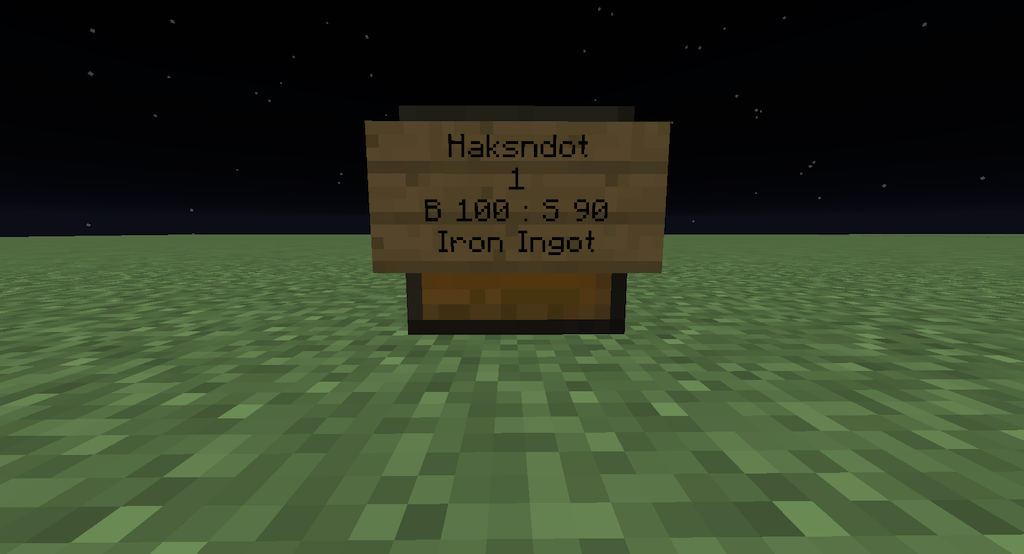
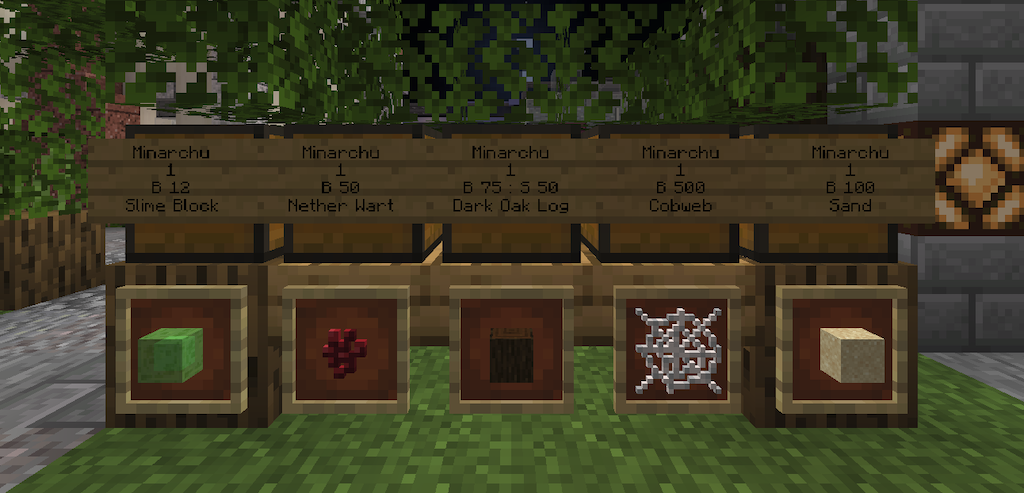
This is what ChestShops look like:
Use shops as a customer
- To buy items from a shop, right-click the sign.
- To sell items to a shop, left-click the sign
- To buy a whole stack at a time, shift-click.
Become a shopkeeper
A ChestShop is a chest on which a sign has been placed with some special formatting to specify prices, amounts etc.
This is how to create a shop:
Place a chest where you want your shop to be.
In the chest, place at least one item of the type which you want to trade.
Place a sign on the chest (shift + click).
Fill out the sign like this, line by line:
- Leave the first line blank.
- On the second line, put the amount traded. This is the number of items a customer buys or sells with each click.
- On the third line, state your prices. B indicates the price at which others can buy from you. S indicates the price at which they can sell to you. Separate the prices with a colon character.
- On the fourth line, place a question mark: ?
This is how you fill out the sign:
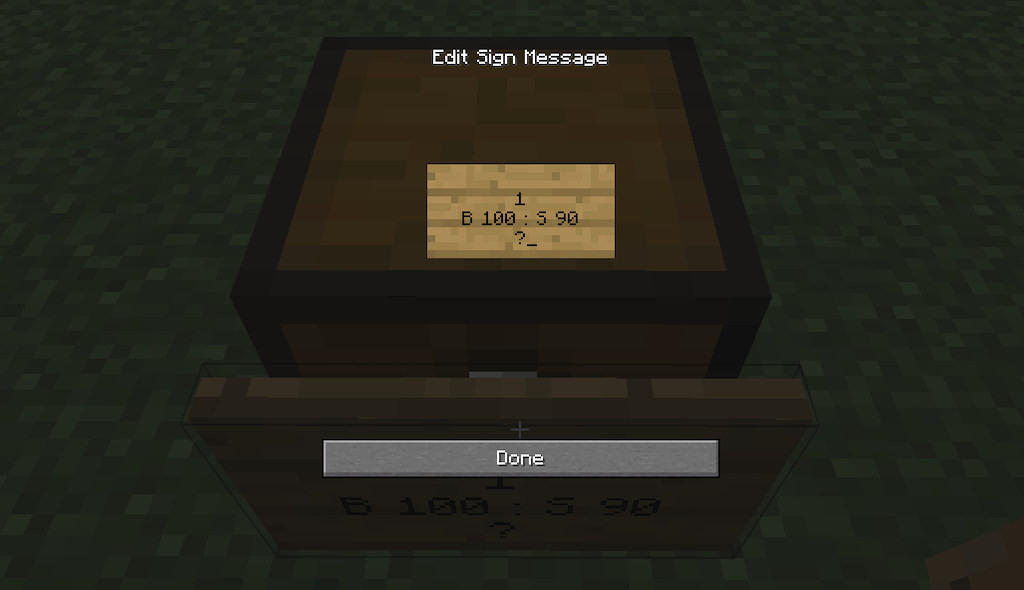
When you press Done it turns into this: